The Complete Guide to the Pomodoro Timer
By StudyAide (Sound Producer & App Developer)·Published ·Updated
Why is the Pomodoro Technique effective? This covers how to adjust the basic 25 and 5 minute setup to fit you, how to handle interruptions, and how to use it alongside sound.
What the Pomodoro Technique is
The Pomodoro Technique is a time-management method that repeats a set of 25 minutes of focus and 5 minutes of rest. After four sets, you take a longer break of about 15 to 30 minutes. It started in the late 1980s when Francesco Cirillo, then a university student, timed his study with a tomato-shaped kitchen timer, and "pomodoro," Italian for tomato, became the name.
The original method is laid out in six steps. Decide the task, set the timer to 25 minutes, do only that task until it rings, mark it when done, take a short break, and take a long break every fourth time. The rules are simple, but the core is the last two, the principle that resting is part of the method.
Why break time into 25-minute units
However big or daunting a task is, thinking "just 25 minutes" lowers the burden of starting. The resistance to beginning drops. Because there's a fixed end point, you also strain yourself less by pushing on with "just a bit more" until you're worn out.
Keeping the break matters just as much. Working continuously without rest often lowers focus in the next session instead. Taking your eyes off the screen and moving your body even briefly lets you enter the next 25 minutes as if starting fresh. On the other hand, opening social media during a 5-minute break usually means you can't stop within five minutes and it takes longer to return to a focused state.
How to handle interruptions
Something else cutting into a focus session always happens. The original method splits this into two kinds.
Internal interruptions are thoughts that suddenly come up. "I need to reply to that email," "I should look that up," and so on. In this case, don't stop the session; write just one line in a note. Then handle it during the break or after the session ends. Just holding onto the thought keeps your focus steadier.
External interruptions are another person's message or request. If you can, say "I'm focusing for 25 minutes and will get back to you soon," then decide when to deal with it, and actually follow up when the session ends. If you can't respond right away, write that request down in a note too.
If a session gets badly broken, it's better to void that Pomodoro and start over. Filling time while half-distracted has little value.
How to adjust the time to fit you
25 and 5 minutes is only a starting point. Use it for a few days and adjust as below.
Adjusting session length by focus state
| Situation | Focus time | Break time | |
|---|---|---|---|
| 25 minutes feels long and starting is hard | 15 min | 3 to 5 min | |
| The default fits well | 25 min | 5 min | |
| You tend to stay absorbed for a long time | 40 to 50 min | 10 min | |
| You finished four sets | — | 15 to 30 min |
- If your focus breaks often mid-session, don't lengthen the session, shorten it. Succeeding at several short sessions beats getting only halfway through a long one.
- Set your daily goal as a session count. "Six 25-minute sessions" is far more concrete and clearly measurable than "study for 3 hours."
- Set it differently by task type. Memorization and problem sets fit shorter sessions; writing or coding, where you need to hold context for a long time, fit longer ones.
Common failure patterns
- Skipping the break. It's fine early on, but by the afternoon your focus drops sharply.
- The break stretches out. Five minutes becoming twenty is usually the phone. Put a timer on the break too.
- Switching tasks mid-session. Within one session, do only one thing. If something else is urgent, note it and take it up in the next session.
- Waiting for the perfect setup. People who need a quiet café and a clean desk to start often don't start. Begin with 15 minutes right where you are.
Why using it alongside sound helps
Laying white noise or calm music in the background during a focus session makes surrounding noise less distracting. It also makes the moment a session ends easier to catch by sound.
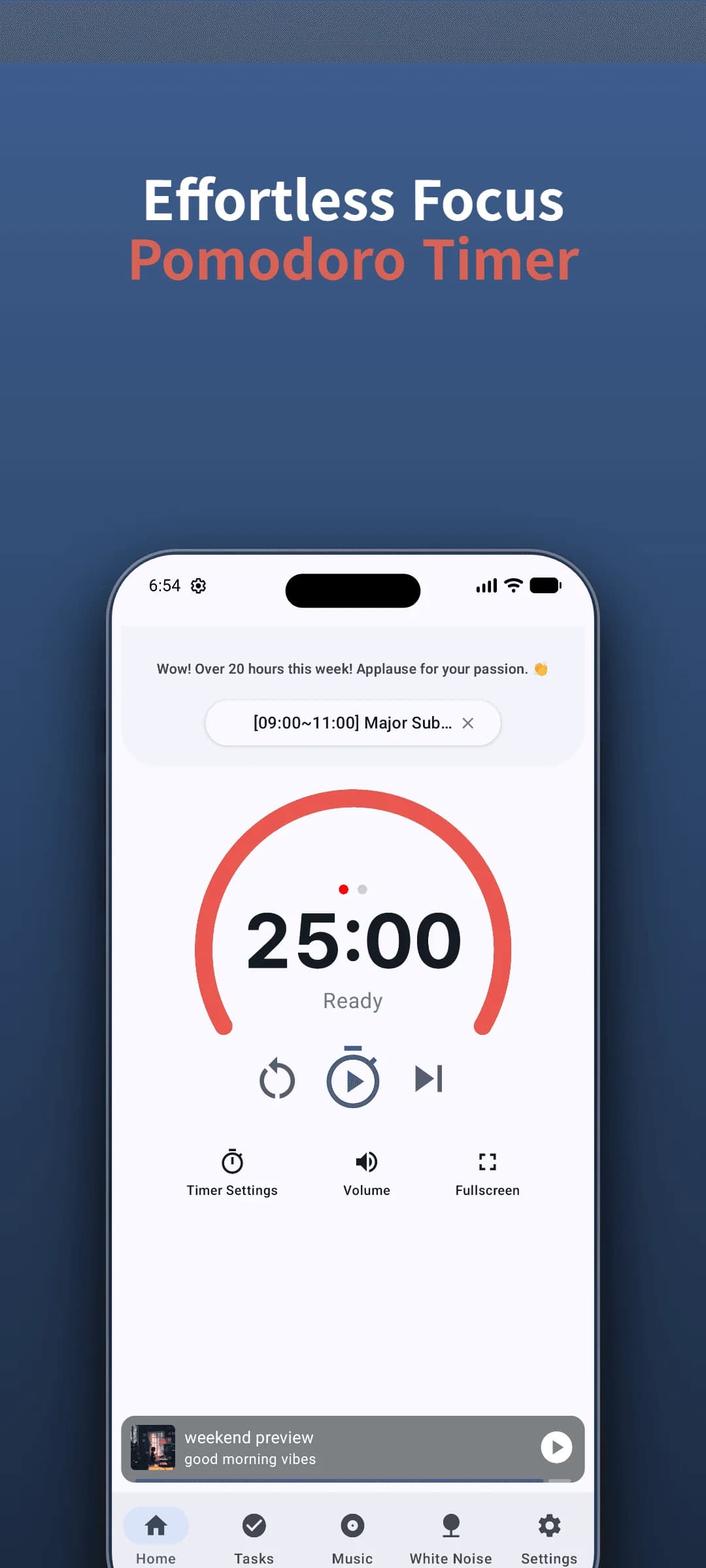
In StudyAide, the timer and sound play at the same time and each volume is adjusted separately. You can lay a quiet background sound during the session and switch to a different sound during the break to make the transition point clear. If you're unsure which sound suits focusing, the What Are Binaural Beats? guide sorts out combinations by situation. If you're looking for a free timer to use without an account, also see How to Choose a Free Pomodoro App with No Login.
Start your first session with StudyAide
Use the default 25 and 5 minute setup as is, or freely change it to the times you want and get started.
Install Free on Google PlayWhat changes when you keep a record
When you start a Pomodoro session, that time is recorded automatically. Seeing how many sessions you filled in a day makes the sense of "I did enough today" clearer. On days with few sessions, it's easier to look back at what got in the way.
Viewed by the week it's more useful. Patterns start to show: how the session count differs by day of the week, and which time of day you focus best. StudyAide's records are stored only on the device. They aren't shared with anyone, aren't sent to a server, and are entirely yours to check.
Wrap-up
The answer of the Pomodoro Technique isn't the numbers 25 and 5, it's the principle of clearly separating focus and rest. Start with the default setup first. If it doesn't fit, adjust the time, and when interruptions come, let them go with a note. Set your daily goal as a session count and find your own rhythm as you go.
Sources
- Cirillo, F. (2018). The Pomodoro Technique: The Acclaimed Time-Management System That Has Transformed How We Work. Currency. The foundational book detailing the six core steps and principles of the Pomodoro Technique originated by Francesco Cirillo in the late 1980s (Official Site).
- Ariga, A., & Lleras, A. (2011). Brief and rare mental "breaks" keep you focused: Deactivation and reactivation of task goals preempt vigilance decrements. Cognition. In a long, repetitive computer task of roughly an hour, performance fell for people who worked without a break, while people who got brief diversions held up better. The task was far longer than 25 minutes, so the study does not test the Pomodoro cycle itself.
Start today's first 25 minutes
A Pomodoro timer and focus sound together, ready to start right away with no login.
 Install Free on Google Play
Frequently asked questions
Does a Pomodoro have to be 25 minutes?
No. 25 minutes was just the value the original creator used, and the core is the rule of focusing on one thing for a set time and resting fully during the break. Whether it's 15 minutes or 50, what matters is that it fits your own focus rhythm.
If the timer rings while focus is going well, do I have to stop?
If you're in flow, carrying one session further is fine. But doing it every time removes the Pomodoro benefit of resting before you're worn out. When you extend, make the next break a little longer to keep the balance.
Can I look at my phone during the break?
On a short break, taking your eyes off the screen helps recovery more. Social media and news are hard to stop within five minutes and tend to lower focus for the next session. Stretching or drinking water is about right.
What do I do if another task suddenly comes to mind while studying?
Don't stop the session; just write it down in one line on paper or a note. Handle that task during the break or after the session ends. Simply capturing the thought keeps your focus from breaking as much.
People Behind StudyAide (Pinkaide)
Where audio craftsmanship meets lightweight app engineering
StudyAide is created jointly by a sound producer from Pinkaide (producing functional music since 2008, managing YouTube Content ID rights since 2016, and running the 120K-subscriber Relaxing Music channel) and an app developer building lightweight tools. Instead of generic AI loops or unverified tracks, we draw on years of acoustic expertise to craft fatigue-free, carefully mastered soundscapes designed for focus, relaxation, and deep sleep.
Related reading
Forest App Alternative: StudyAide vs Forest
Forest grows a tree to keep you off your phone; StudyAide builds a sound environment. Compare app blocking, gamification, sound mixing, offline use, and accounts.
StudyAide vs Focus To-Do: Task App or Focus Sound?
Focus To-Do manages tasks and syncs across devices; StudyAide offers free white noise, sound mixing, and no-login use. See which fits how you study.
Binaural Beats Explained: Facts and Common Myths
A non-medical guide to how binaural beats work, where the evidence stops, and how to use them for studying, working, and resting, plus how StudyAide plays them.